Making expense entry feel like a reflex, not a monthly chore.
A short, research-driven case study with Jump — a French app for freelancers to manage their professional expenses. The brief was simple on paper: get freelancers to log expenses as they happen, not all at once at the end of the month. The reality was much messier.
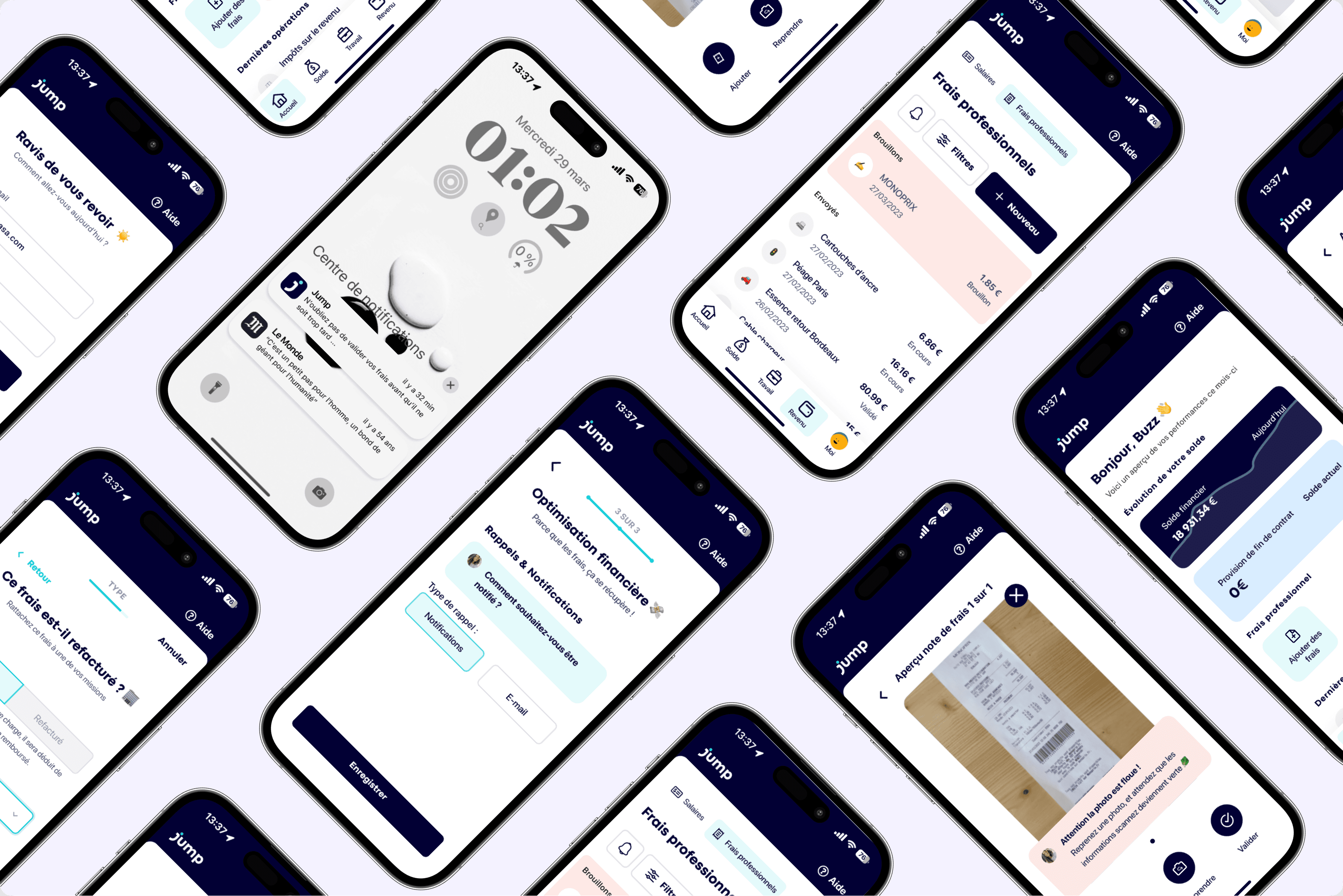
01 — Procrastination
Freelancers don't hate expenses. They hate filing them.
Every month, the same ritual: a pile of crumpled receipts, a cold tea, a Sunday afternoon spent trying to remember what a €23.40 line at Café du Coin actually was. Even with a dedicated app at hand, most users waited until the end of the month — then dreaded the catch-up.
The product team at Jump came to us with a sharp question: how do we make expense entry feel light enough to happen in the moment?
- 78% of users only opened the app once a month — usually around the deadline.
- Receipts pile up in pockets, drawers and screenshot folders, then half disappear.
- Existing flows asked for 7+ fields before saving anything.
- Most users said they liked the brand — but felt guilty every time they opened it.
02 — Listen first
Four hours of interviews changed everything.
Before drawing a single screen, we ran four 1-hour interviews with real freelance users — illustrators, founders, consultants — and observed how they actually deal with receipts in real life. Three patterns emerged across all of them.

I always tell myself I'll do it tomorrow. By the end of the month I've lost half of my receipts.

Filing expenses feels like admin homework. I avoid it until the very last day.

I have apps for everything else. Why does this one still feel like 2010?
Hours of interviews
Hidden frictions surfaced
Recurring patterns
Reframed problem
I always tell myself I'll do it tomorrow. By the end of the month, I've lost half of my receipts.

Hendrick H.
Freelance Art Director
Maintain a clean, organised expense flow without ever having to sit down for “admin time” — even in the middle of a 3-week shoot.
- Loses receipts at the end of long client trips.
- Existing apps need too many fields per entry.
- Hard to keep personal and pro expenses apart.
- Wants to focus on creative work, not paperwork.
- Loves apps that just work on the go.
- Trusts automation when it’s transparent.
- Values fast monthly summaries with zero effort.
03 — Information architecture
Designing the flow first, the screens second.
Once the real problem was clear, I stayed away from Figma for another two days. We mapped the entire app as a single graph — every screen, every action, every dead end. It made the shortcuts obvious. Two-thirds of the existing screens just didn't need to exist.
04 — Reframe
The problem wasn't how to file. It was why we don't.
The original brief was about UI improvements: better forms, better filters, smarter categories. The interviews told a different story. Users didn't need a better filing tool — they needed a smaller emotional cost to opening the app at all. Every improvement we made afterwards stemmed from this single shift.
Make it instant
If it can't happen in less than 30 seconds, it won't happen at all.
Meet them where they are
Most receipts arrive in a pocket, on a phone, between two meetings. The app should be there too.
Reward the moment, not the month
Tiny wins now beat a giant streak later. Make every entry feel like a small victory.
05 — A 30-second flow
Snap. Tag. Done.
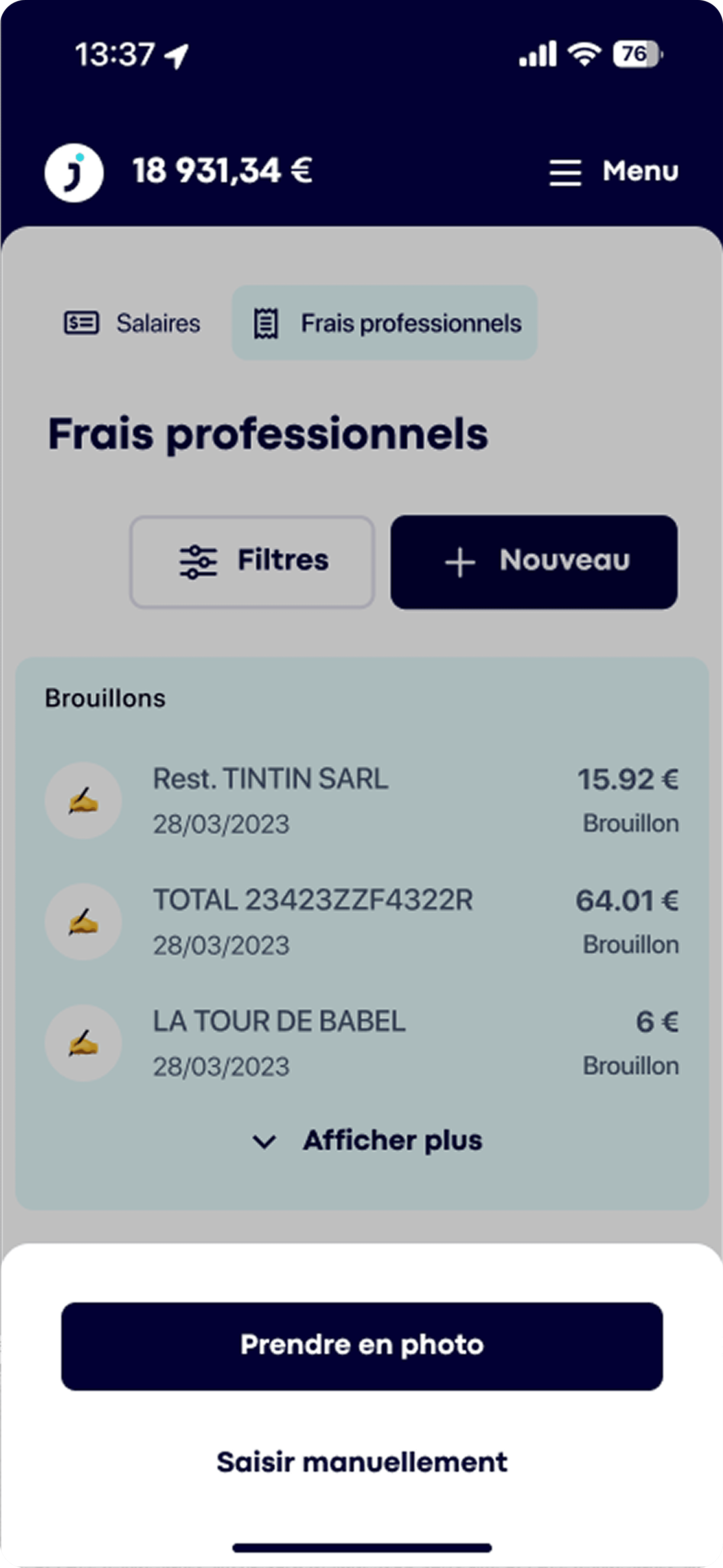
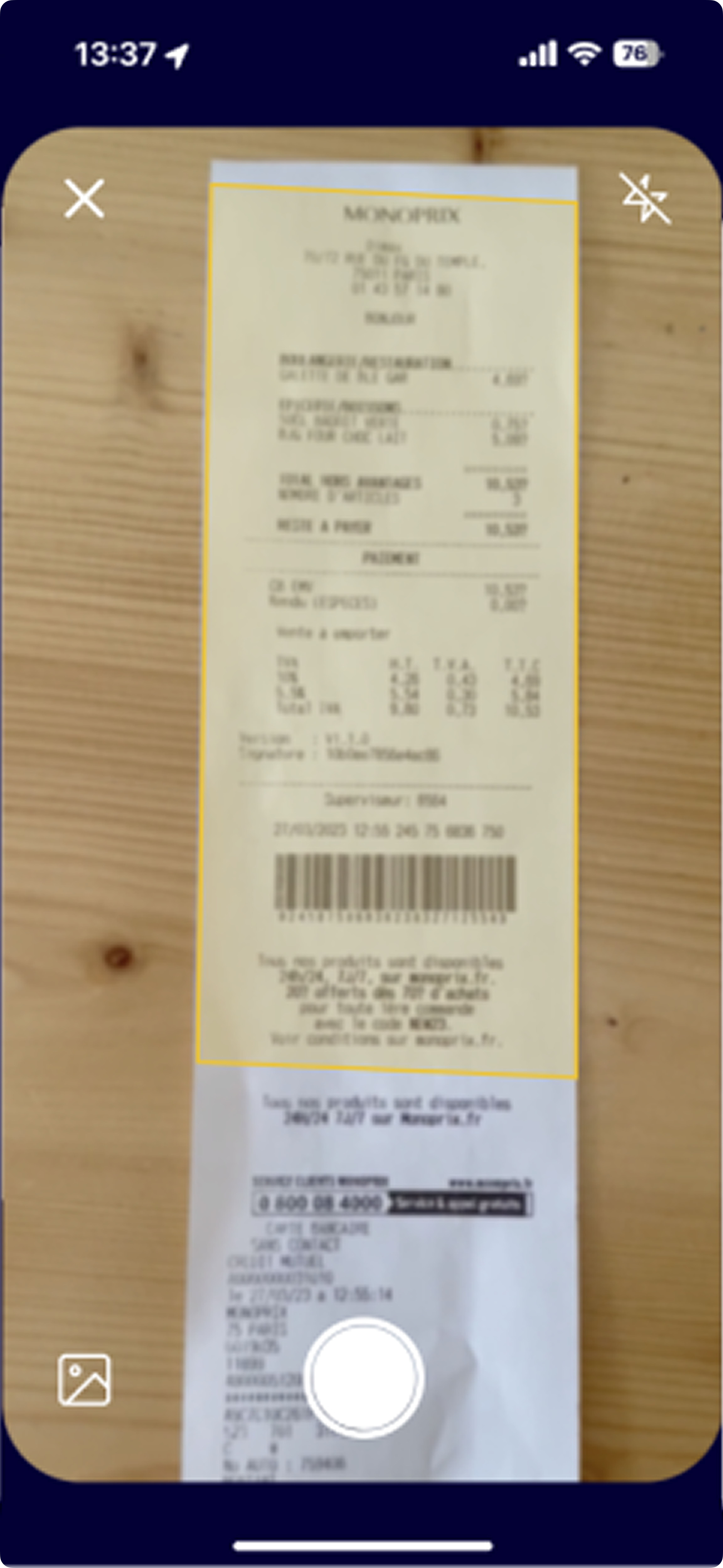
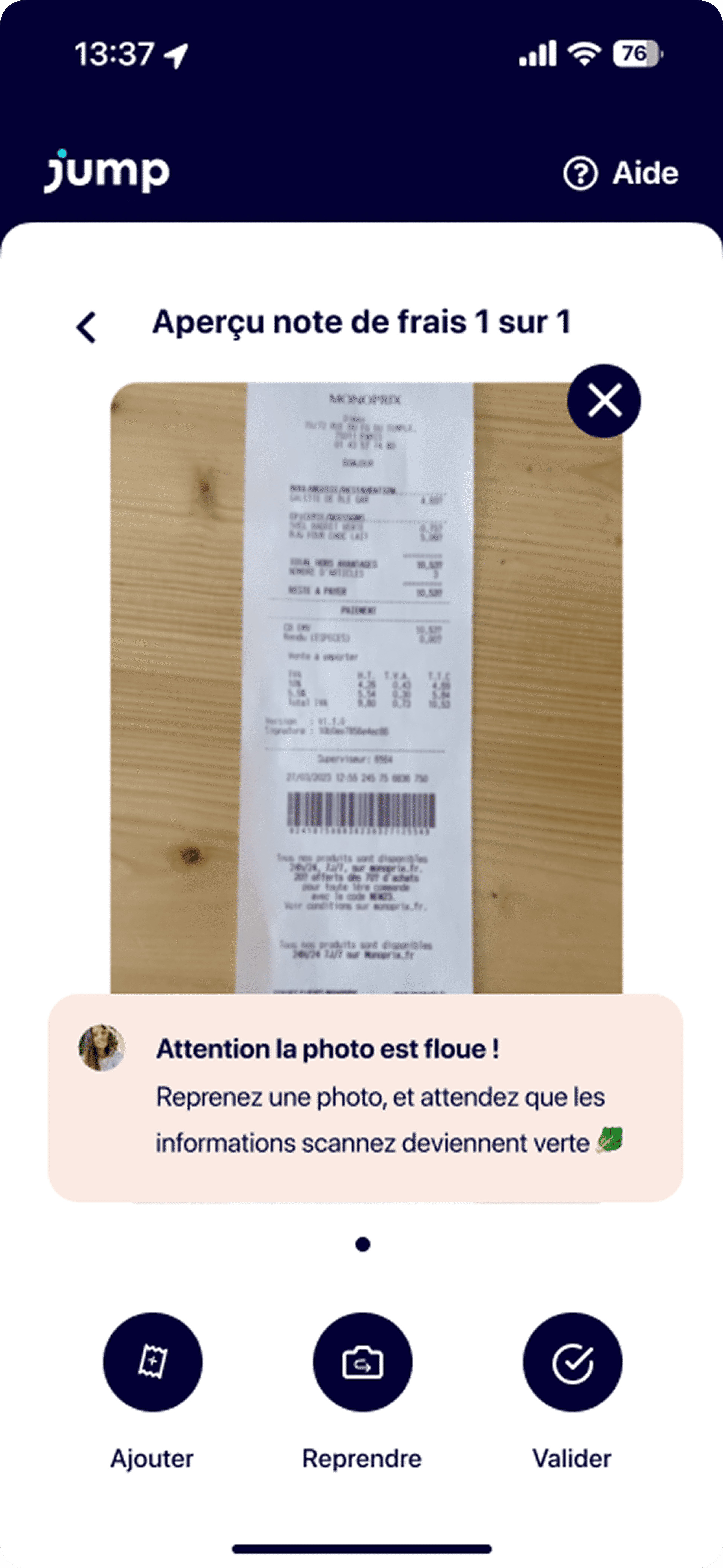
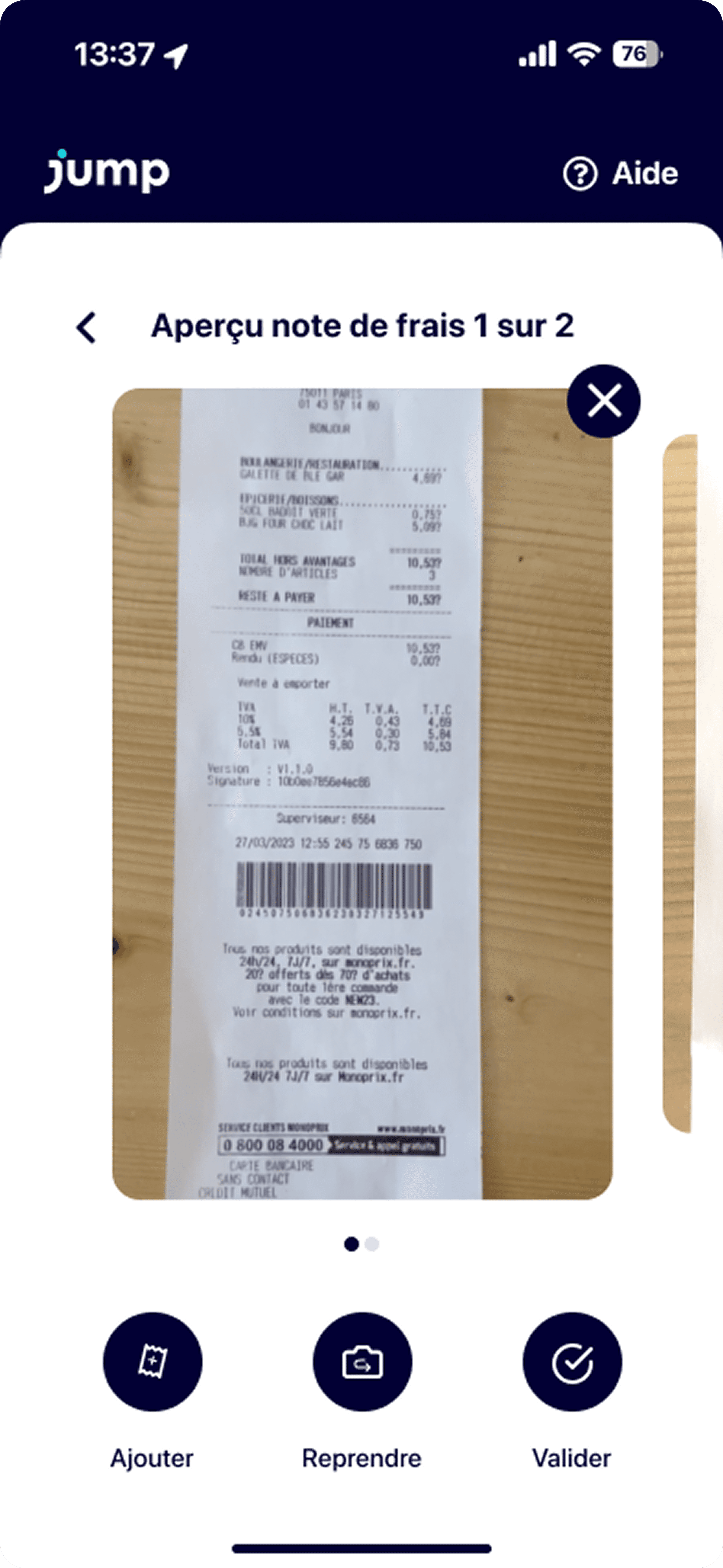
The redesigned flow strips expense entry to its bare minimum: snap the receipt, glance at the auto-extracted fields, confirm. No forms, no dropdowns, no menus. The app handles OCR, categorisation and currency in the background — all the user has to do is verify the amount.
Quiet nudges, not a monthly catch-up.
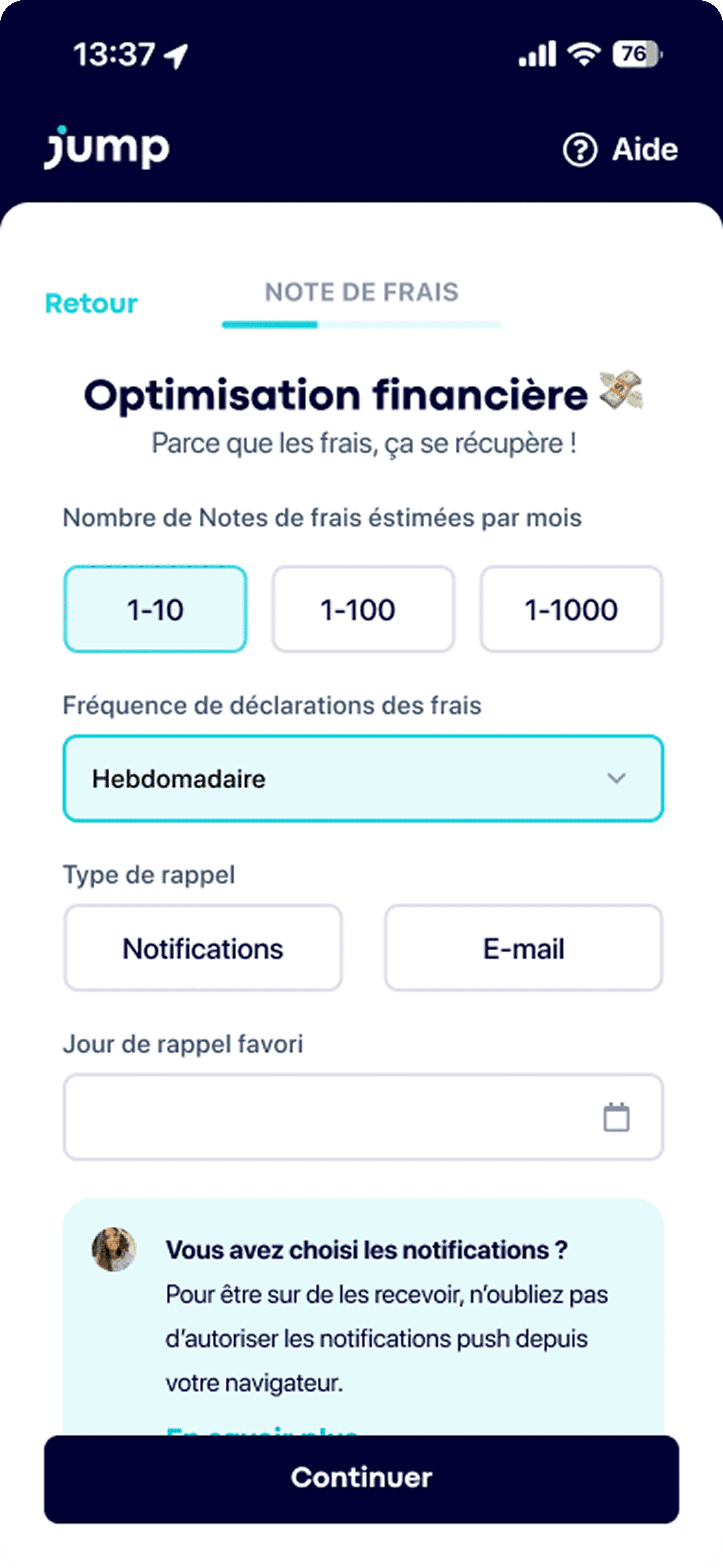
To break the end-of-month pile-up, users pick how often they want to be reminded — weekly is the default — and through which channel. The reminder arrives at a calm, predictable moment, so logging feels routine instead of a sprint.
- Estimated volume per month tunes the cadence.
- Push or email, whichever the user actually opens.
- A favourite day of the week to anchor the habit.
06 — What we cut
The hardest part wasn't what to add.
The original brief had a list of features. Most of them ended up in a different document — a list of things we decided not to do. Saying no, with reasons, is what made the final flow feel calm.
Manual category dropdown
Auto-detect from the merchant name, fix later if needed.
7 fields before saving
Snap → confirm. Everything else is optional.
Email forwarding flow
Nice in theory, no real adoption in research.
Monthly summary screen
Replaced by a quiet daily nudge — encourages tiny habits.
07 — Lessons
The brief is rarely the real problem.
Jump taught me that the best design move is sometimes not to design — but to spend an extra hour with the user, until the brief quietly rewrites itself. Every UI decision becomes obvious once the real problem is on the table.